May. 18, 2026
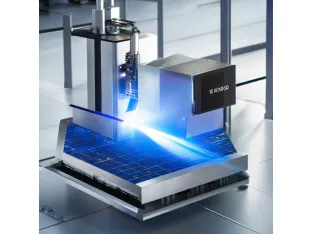
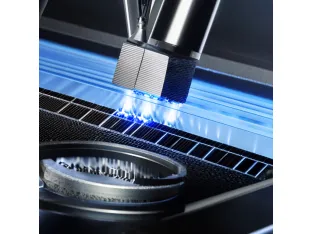
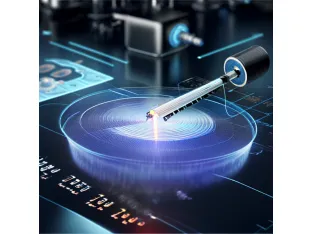
When it comes to laser scribing, many users encounter challenges such as material damage, ineffective marking, and high operational costs. Users looking for precise and efficient scribing solutions often ask: How can I minimize thermal damage while achieving high-quality engravings? The answer lies in understanding the three main modes of laser scribing: ablation, thermal stress, and filamentation. By focusing on these methods, users can enhance their laser cutting experience, reduce costs by up to 30%, and significantly improve overall quality through optimized processes.
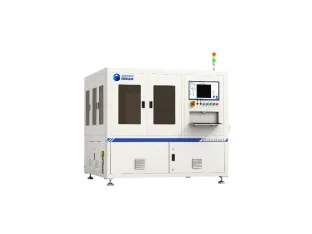
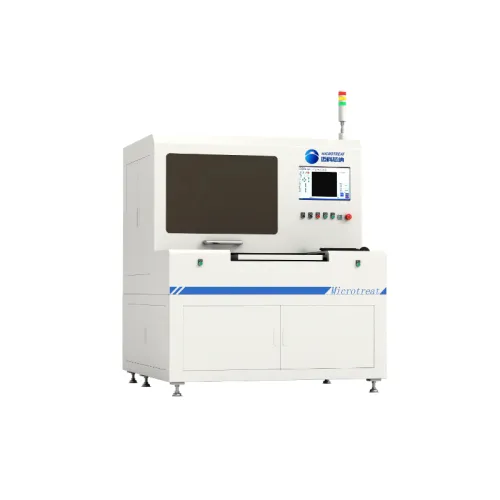
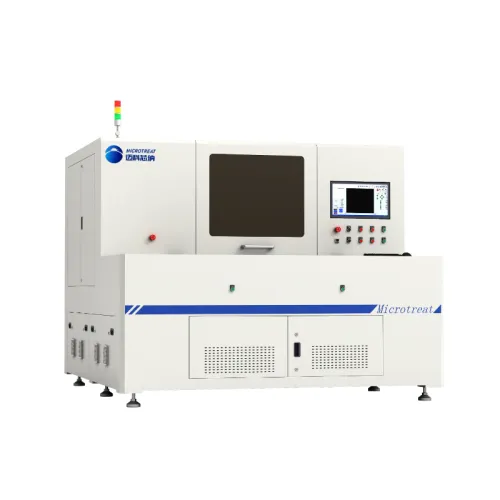
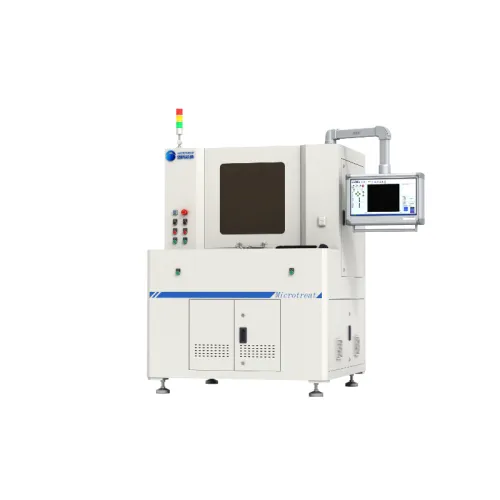
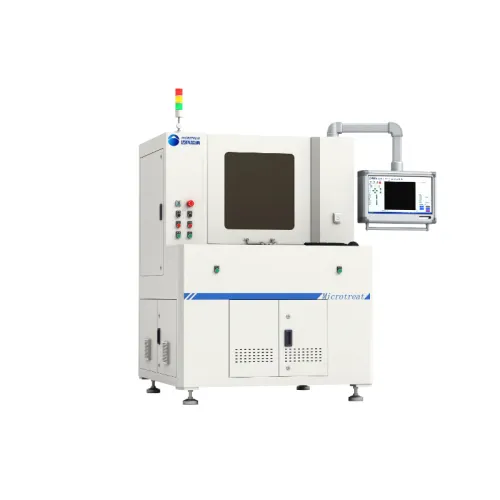
Laser scribing is a technology widely used in industries ranging from electronics to healthcare due to its precision and efficiency. Users often face issues like uneven cuts, prolonged processing times, and material wastage. For example, a manufacturer of smartphone screens found that their previous laser system produced a yield of just 75% without defects. After switching to a Microtreat laser scribing machine, they improved their defect rate to 90%, which translated into savings of over $200,000 annually. The need for a reliable and efficient scribing process is evident, as businesses aim to maximize productivity and minimize costs.
Before starting the laser scribing process, it's crucial to gather all necessary materials and tools. Here’s what you need:
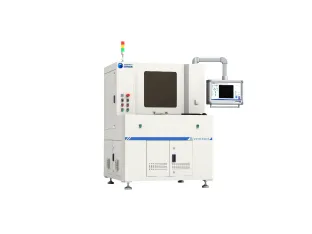
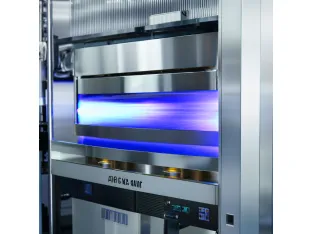
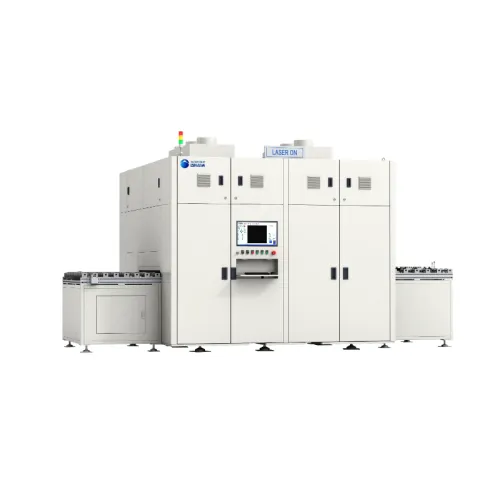
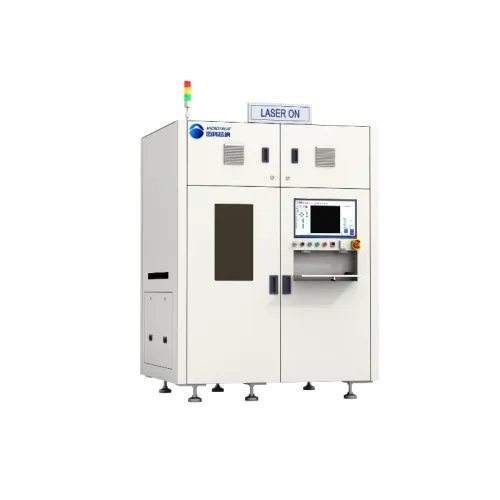
Ensure that the Microtreat laser scribing machine is set up in a clean, well-ventilated area. Check the power supply and connect the machine to your computer running the design software.
Using the software, create or import the design you wish to scribe. Make sure all dimensions are precise to avoid material wastage. Save your design in a compatible file format for the laser machine.
Choose the appropriate scribing mode based on the material properties and desired outcome. The three modes are:
Set the appropriate power, speed, and frequency parameters for the laser based on the selected scribing mode. For example, using a power setting of 60% at a speed of 500 mm/s can achieve optimal results on most glass surfaces.
Before initiating the full scribing process, run a test on a small piece of the same material to ensure the settings produce the desired results. This can help to refine parameters and avoid costly mistakes.
Once satisfied with the test run, proceed to engrave your final design. Monitor the process closely, ensuring that the machine operates smoothly without any interruptions.
Even experienced users may face challenges during laser scribing. Here are some common issues and their solutions:
Laser scribing is a complex yet rewarding process that, when done correctly, can lead to significant improvements in production efficiency and product quality. By understanding the mechanics behind ablation, thermal stress, and filamentation modes, users can select the best approach for their material needs. For optimal results, invest in a high-quality laser scribing machine like those offered by Microtreat, and practice regularly to enhance your skills. Remember to keep safety at the forefront of all operations to ensure a successful and secure scribing experience.
Related News
Related Products
Request a Quote
Request a Quote
Navigation
Navigation
Contact Us
Contact Us
E-mail: mkxn@szmicrotreat.com
Tel.: +86 512 8391 9217
Tel.: +86 173 1528 3532
Tel.: +86 188 6210 4169
WhatsApp: +8618015504961
Add.: Unit 101, Building 63, Suzhou Nano City, No. 99 Jinji Lake Avenue, Suzhou Industrial Park, Suzhou